How to turn a portrait photo into artwork that still feels personal
The best starting point is often a photo you already care about: a laugh across a table, a quiet look, or a moment with someone close. A personal photo poster should help you notice that moment again. Here is how to give it a useful starting point.
From the Everyday Rare team · Updated October 9, 2026
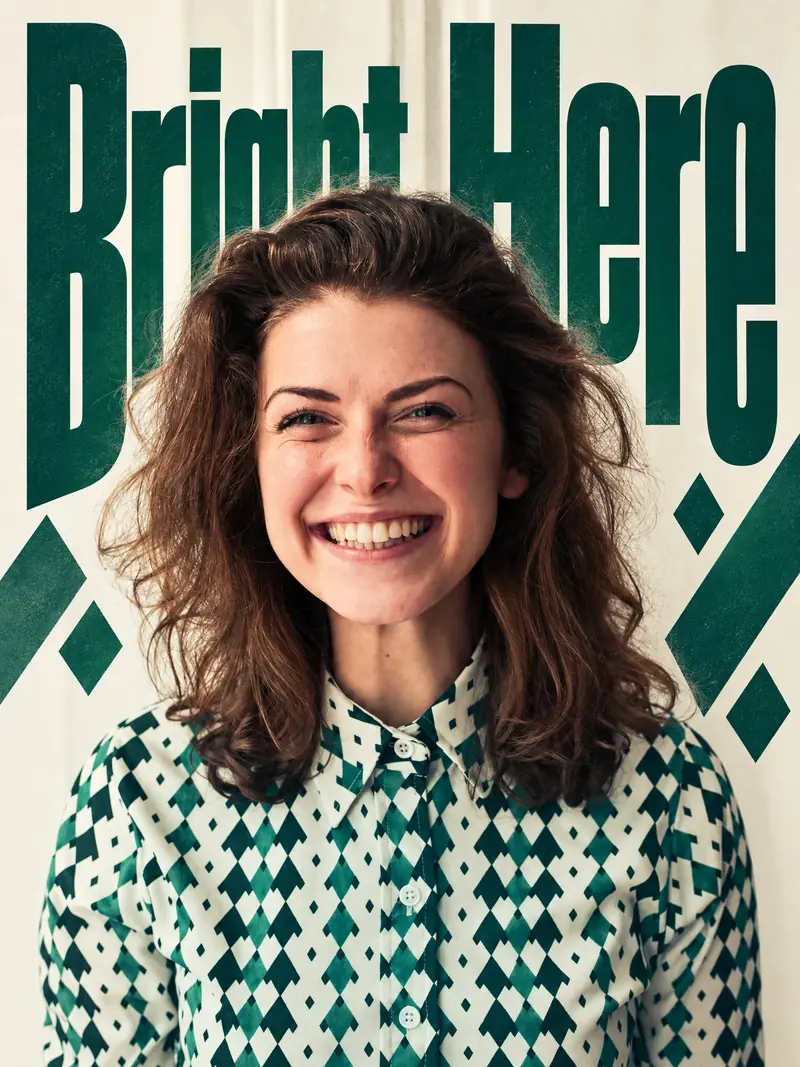
Added lettering: English
Photo credits & licenses
Andrea Piacquadio / Pexels — Pexels-andrea-piacquadio-774909.jpg · CC0 (Commons license review)

Choose the expression before the background
A polished background is not essential. Begin with an expression or gesture you want to remember. A face that is clear and reasonably large gives the creative process more to work with than a distant person in a busy scene. Choose the original camera file when possible; screenshots and heavily compressed messages can hide details. For two or more people, check that each face is visible. A hand on a shoulder or a shared glance may carry more of the story than everyone looking at the camera. Tell the app if that relationship is the part you want to keep.
Give the design a reason for its words
Choose a short phrase that belongs to the photograph. If exact wording matters, supply it and name the language. You can also choose artwork without lettering. Check the resulting words and small details afterward.
Look for a composition, not only a filter
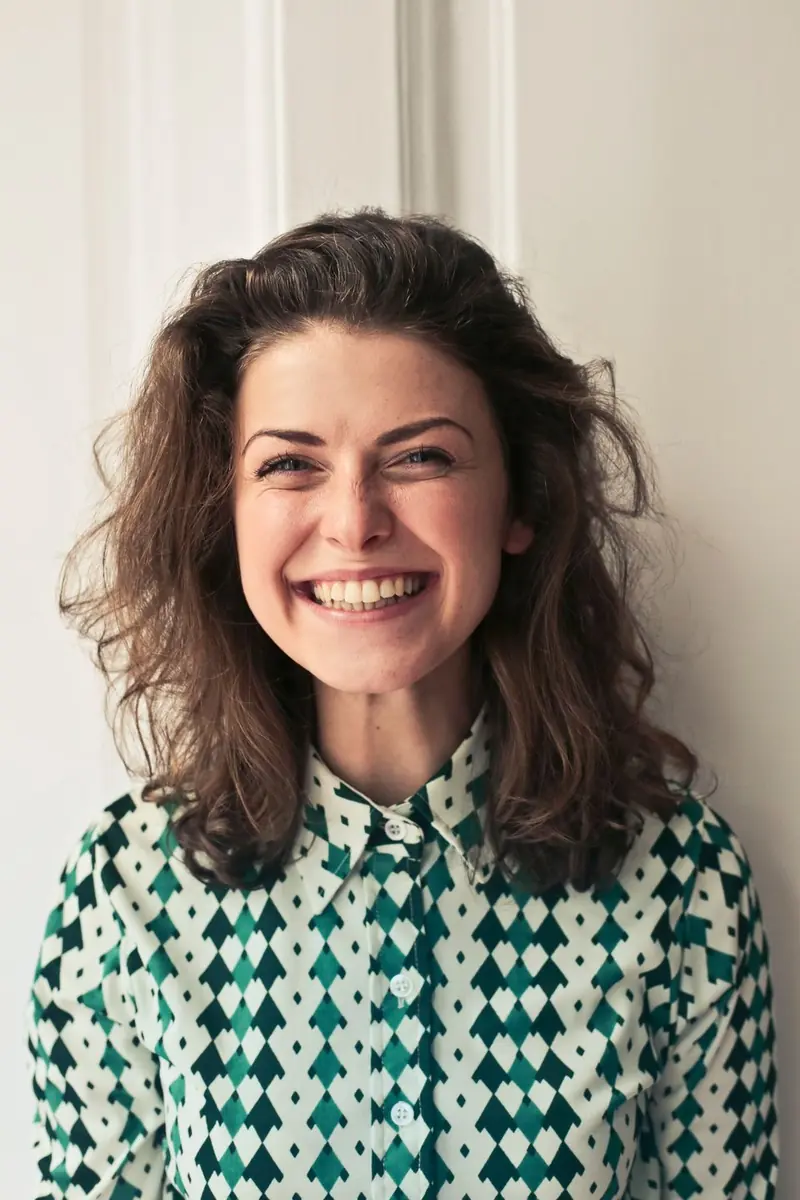
In Bright Here, the portrait keeps a photographic character: the smile, window light and patterned shirt carry the composition. Compare the original with the version without added words, then view the lettering version. A title can change the emphasis without requiring a painted or paper-cut treatment.
Compare the things that make the photo yours
When the artwork returns, compare faces, hands, expressions, clothing, and the relationship between people. AI may change these details. Read every generated word as well. If the result is attractive but no longer feels like the moment, it is reasonable to adjust your idea. In Everyday Rare, hold to view the original, then release to return to the result. Keep your favorite artwork in Gallery and save important results to Photos. The service is a creative tool, not a substitute for documentary accuracy or an identity-photo service.
A simple starting idea
“Make this feel warm and personal. Keep the expression and gesture recognizable. Let the lettering support the photo.” Use this as a starting point, not a guarantee. You do not need a prompt at all: People & stories can begin with the photo alone. Only upload photos you have permission to use, especially when they include other people.